
Download a cricket 365 APK only when the file can be judged
A playing XI alert is not a security check. Read the filename, version, size, permissions and update note first, then decide whether the APK is safe enough for login, wallet or contest use.
Open APK RouteInstall decision table
| Item | Good sign | Bad sign | Decision |
|---|---|---|---|
| File name | Readable app name and version | Random string, archive file or hidden extension | Install only when readable |
| Version | Matches the update note or current route | "Latest" page serves an old build | Reject unclear builds |
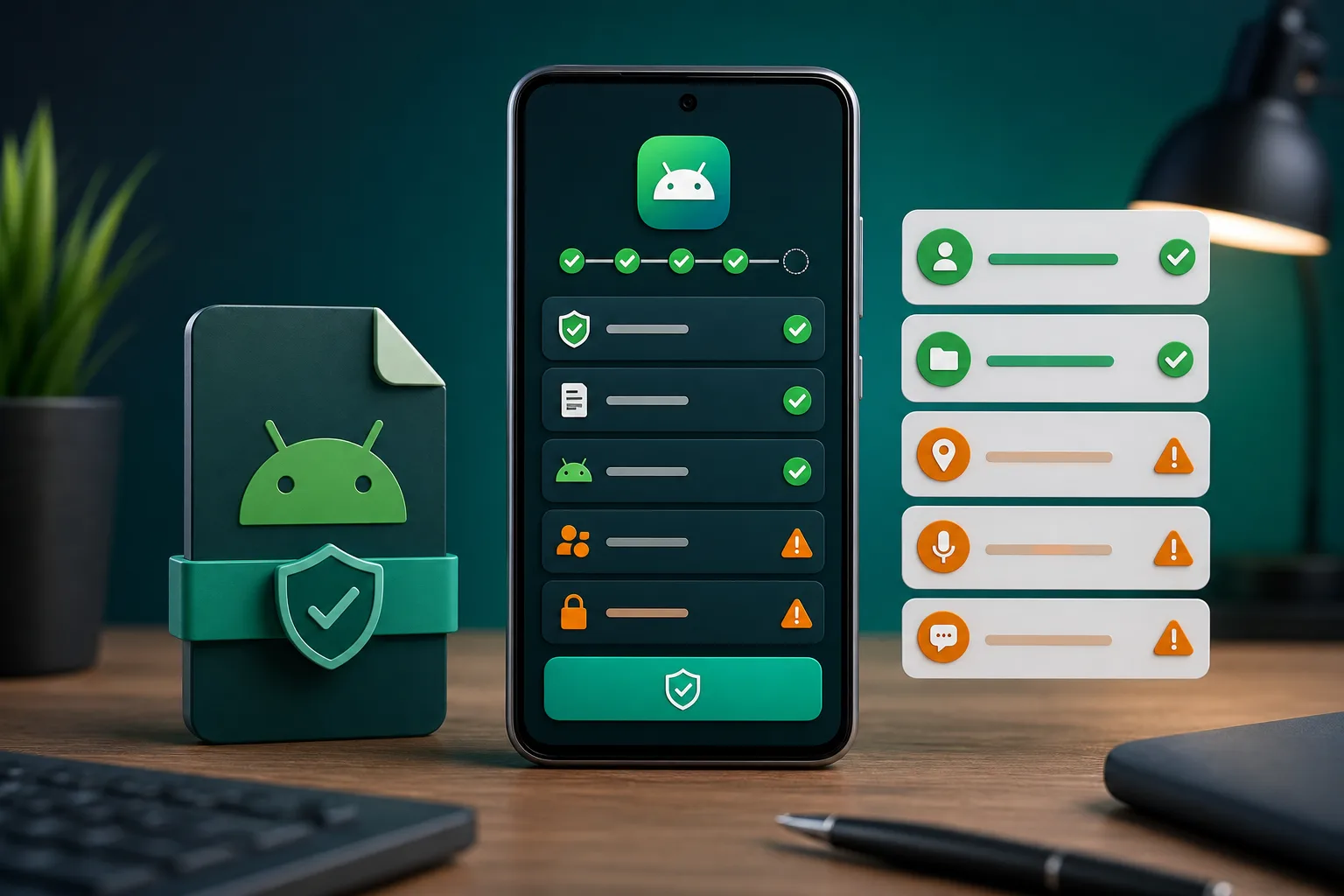
| Permissions | Network and notifications when needed | SMS reading, accessibility control or device admin | Cancel install |
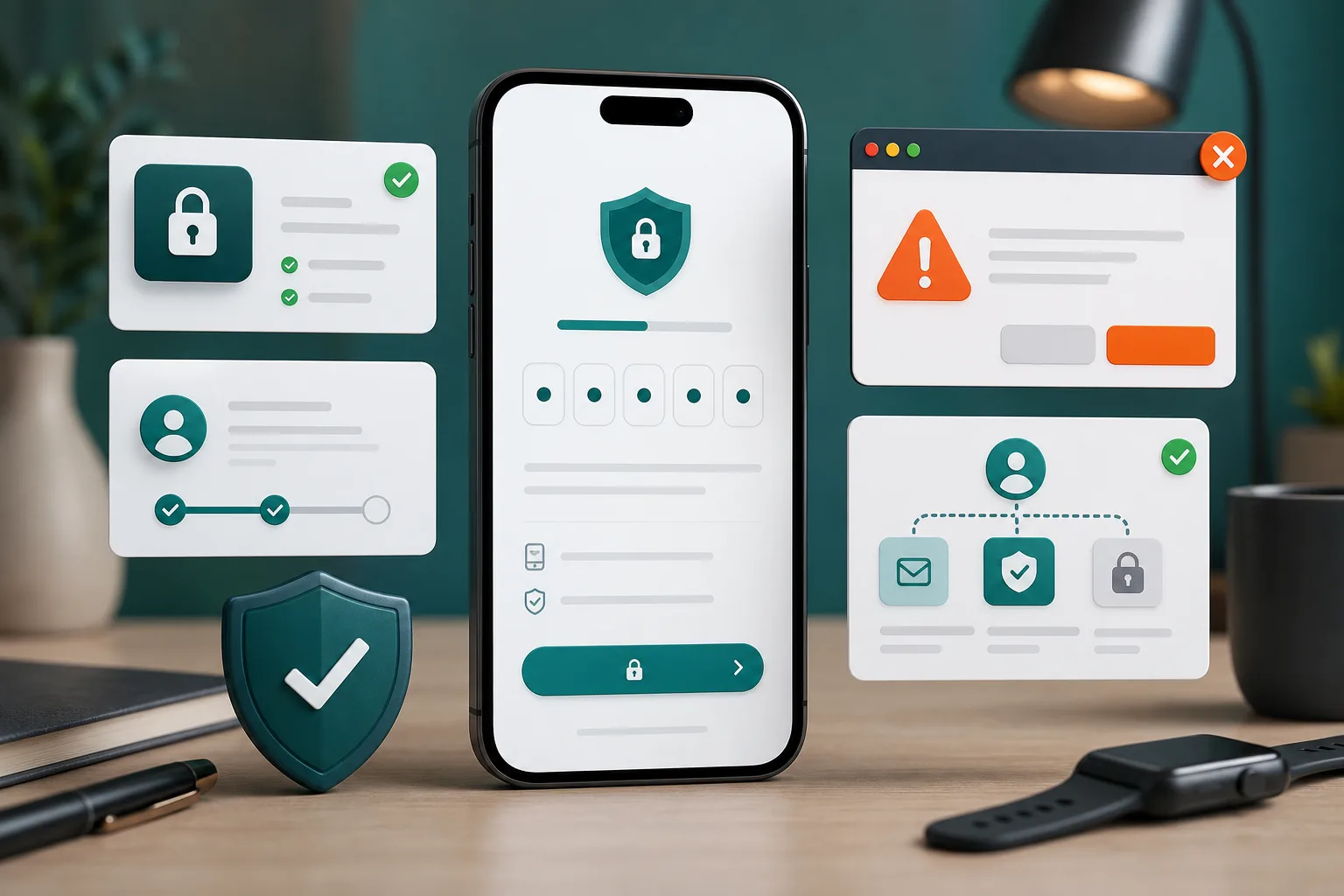
| Login | OTP appears inside the app flow | OTP appears in browser chat or pop-up | Close immediately |
APK preview checks
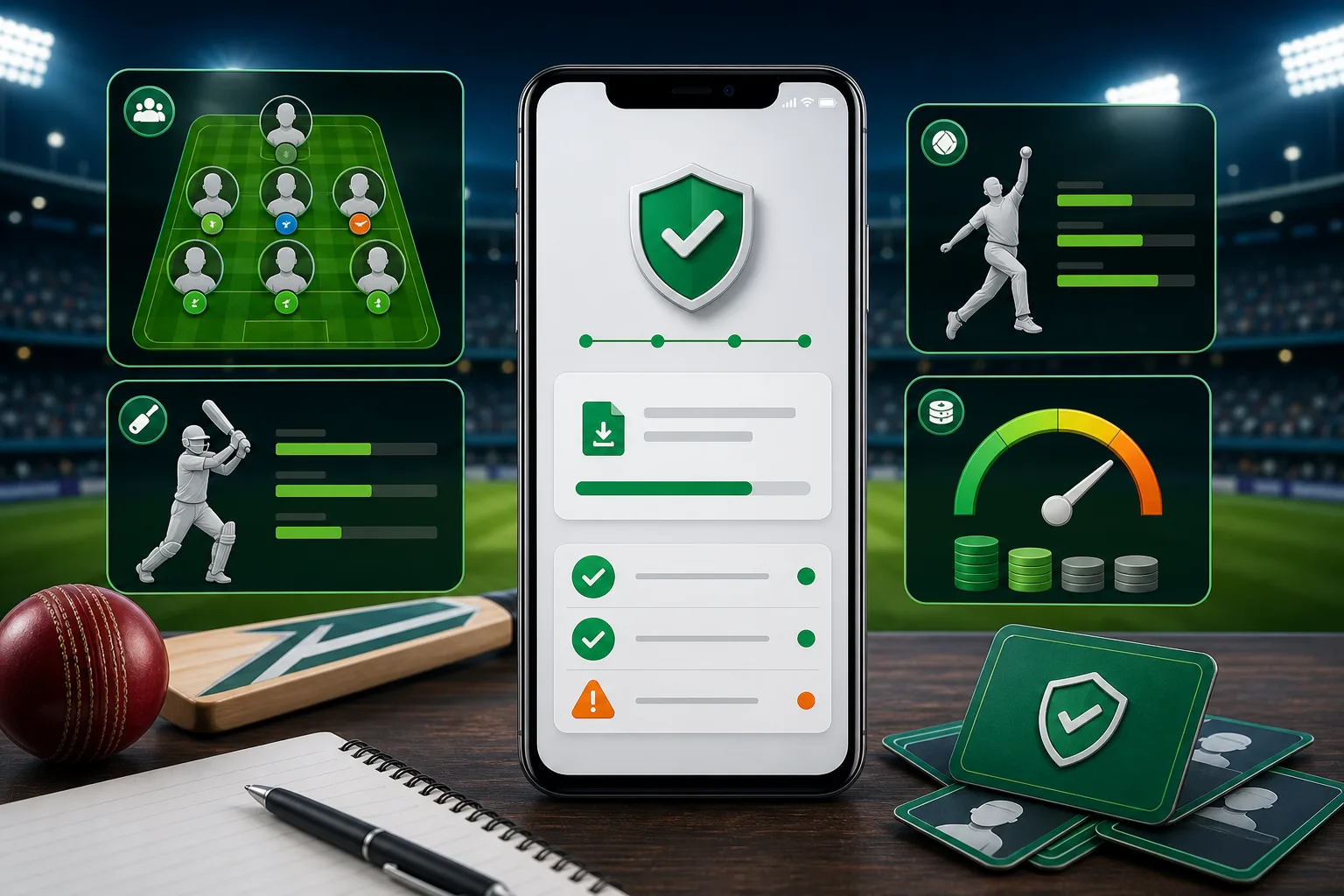
Screenshots should support the decision, not replace it. A useful APK preview shows version context, app identity and a normal install or login path.
Old version vs latest update
Use latest build
Choose the current trusted build for login, KYC, wallet, withdrawals and contest entry. These actions need the most stable and supported version.
Use old version only for testing
An old APK can help confirm whether a new build crashes on your phone, but it should not handle payment or account recovery.
Skip modified builds
Mod, cracked, pro unlocked or fixed-win APKs can steal credentials and may break account access permanently.
Install error fixes
| Error | Likely cause | Try this |
|---|---|---|
| App not installed | Corrupt file, duplicate package or unsupported Android version | Delete the file, restart the phone and download again from a trusted route |
| Update failed | Package mismatch between old and new APK | Do not force-install over a different package name |
| Parse error | File incomplete or Android version too old | Download again and confirm compatibility |
| Login loops after install | Cache, network or blocked version | Clear cache, switch network, then check for a current update |
Before tapping install
- Delete duplicate APK files from Downloads so you do not install the wrong copy.
- Check the source route again if the filename changed after download.
- Read the Android permission prompt instead of tapping through it.
- Move to login only after the app opens normally and shows a trusted flow.
APK quick answers
Is an old APK safer than a new APK?
No. Old versions are useful only for compatibility testing. Use a current trusted build for login, wallet and contest actions.
Should I install a pro APK?
No. "Pro" claims around winnings, fixed teams or bypassed verification are strong warning signs.
What permission is most suspicious?
SMS reading, accessibility control and device admin are suspicious for a fantasy app unless there is a clear, legitimate reason.